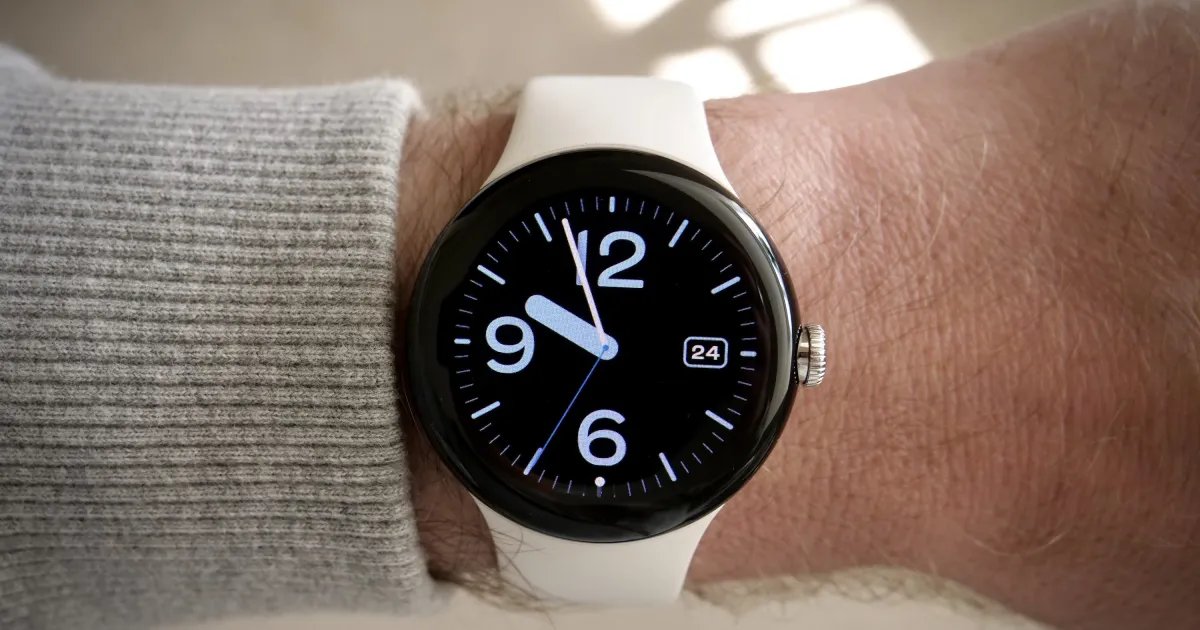
If you’ve ever opened an app on your Wear OS smartwatch and had no idea what time it was, Google is working on a solution. In October the company launched a Wear OS Canary emulator in Android Studio. This allows developers to try out new features and design tweaks long before Google ships them to anyone.
The biggest new addition in this build is a status bar that never disappears. It sits at the top of your round watch face, hovers over the app you have open, and keeps track of the clock and your watch’s status icons.
What does the new status bar look like?
Google wants the watch to look the same everywhere, so the font, position and the sign behind it are consistent across Wear OS and in every app you use. This should make your watch feel more polished. If an app really needs every pixel of the screen, its developer can leave out the bar.

How will it work in your favorite apps?
Apps built with Jetpack Compose for Wear OS will automatically switch once they target API level 35 or higher and are running Compose 1.8.0-alpha02 or higher. The system takes control of the clock so you don’t end up with two different times fighting for space.

The bar will automatically disappear once you start scrolling through a list. It will reappear approximately two seconds after stopping. Alerts, steppers, and time and date selections that fill the screen also make the bar disappear while you’re using it. Developers can also hide it on immersive screens.
When can you expect it on your watch?
The emulator is labeled Wear OS 7.1 and runs on Android 17 “CinnamonBun,” so a new update is clearly imminent. However, Google is keeping it in this Canary build for early testing and feedback and it could now appear in the stable version of Wear OS 7.1. You may have to wait for a later release to see it on your wrist.
RELATED COVERAGE: