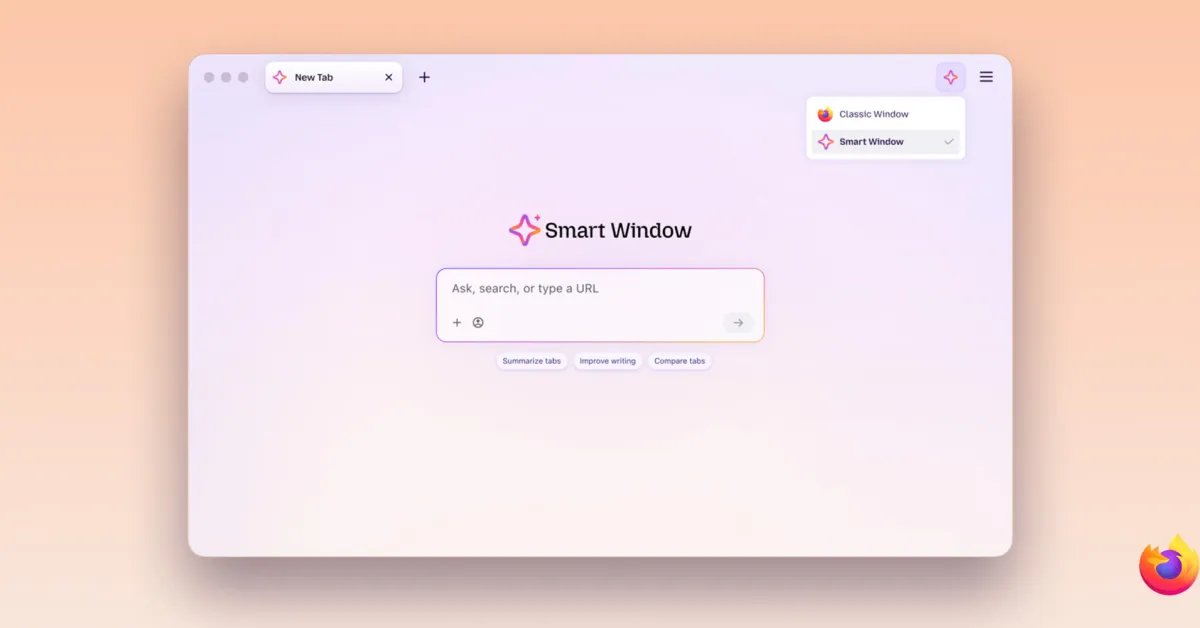
Mozilla today announced two new features for Smart Window, its AI-powered opt-in browsing experience in Firefox. Here are the details.
Smart Window adds two features
Nearly a year ago, Mozilla announced plans to introduce AI Window, an optional experience that would allow Firefox users to interact with an AI assistant while browsing, with features such as summarizing content, comparing information between tabs, and answering questions without leaving the browser.
Since then, the feature has been renamed Smart Window and has gradually acquired new features.
A few months ago, for example, Mozilla introduced AI-powered web search to Smart Window, along with automatic tab grouping, duplicate tab detection, and the ability to search browsing history in natural language.
Today, the company announcement two additional features rolling out to Smart Window beta users: AI-powered form filling and website monitoring.
As Mozilla explains, the AI-powered form-filling feature can extract context from other open tabs to suggest responses to web forms. This means it goes beyond traditional autofill, which typically handles basic information like names, addresses and contact details, by generating responses based on information found on other currently open pages.
Here is Mozilla:
For example, Smart Window might use information from your online portfolio or professional profile to fill out your professional history, or rely on those details to craft a response to a question such as “Tell me about a time when…”. Firefox’s usual autofill still handles saved information like your name and address, which can be entered directly into forms without relying on AI models.
Mozilla notes that the feature relies on Google’s Gemini 3.1 Flash Lite model to analyze form fields and extract relevant information from selected tabs, meaning information from those pages is shared with the AI model for processing.
The second feature rolling out today is Website Monitoring, which works similar to Safari’s new “Notify Me” feature introduced with iOS 27 and macOS 27.
It allows users to type /watch in Smart Window chat to tell Firefox to monitor web pages for specific changes, such as price drops, product availability, or new job postings. Firefox then notifies users when these changes are detected.
Users can choose between daily and weekly checks, with up to 5 web pages per task, although monitoring only runs when Firefox is open.
Here is Mozilla again:
When there is a match, you will see an update via the Tasks button in the toolbar. When desktop notifications are enabled, Firefox can also notify you directly; click the notification to open the monitored pages. You can have up to 15 active tasks at a time and you can edit, pause or delete tasks. Smart Window will automatically pause tasks after 60 days without corresponding changes. If 90 days pass without a change, verification will stop completely.
As with AI-powered form filling, the feature relies on an AI model to process the information, although in this case Mozilla uses Qwen to identify changes that match what users are looking for.
Both new features are now available in the Smart Window beta for Firefox desktop, although they are currently limited to English-speaking users in the United States and Canada. Mozilla says they will “expand into additional markets in the coming months.”
To learn more about these features and how to use them, follow this link.
To discover on Amazon

FTC: We use automatic, revenue-generating affiliate links. More.