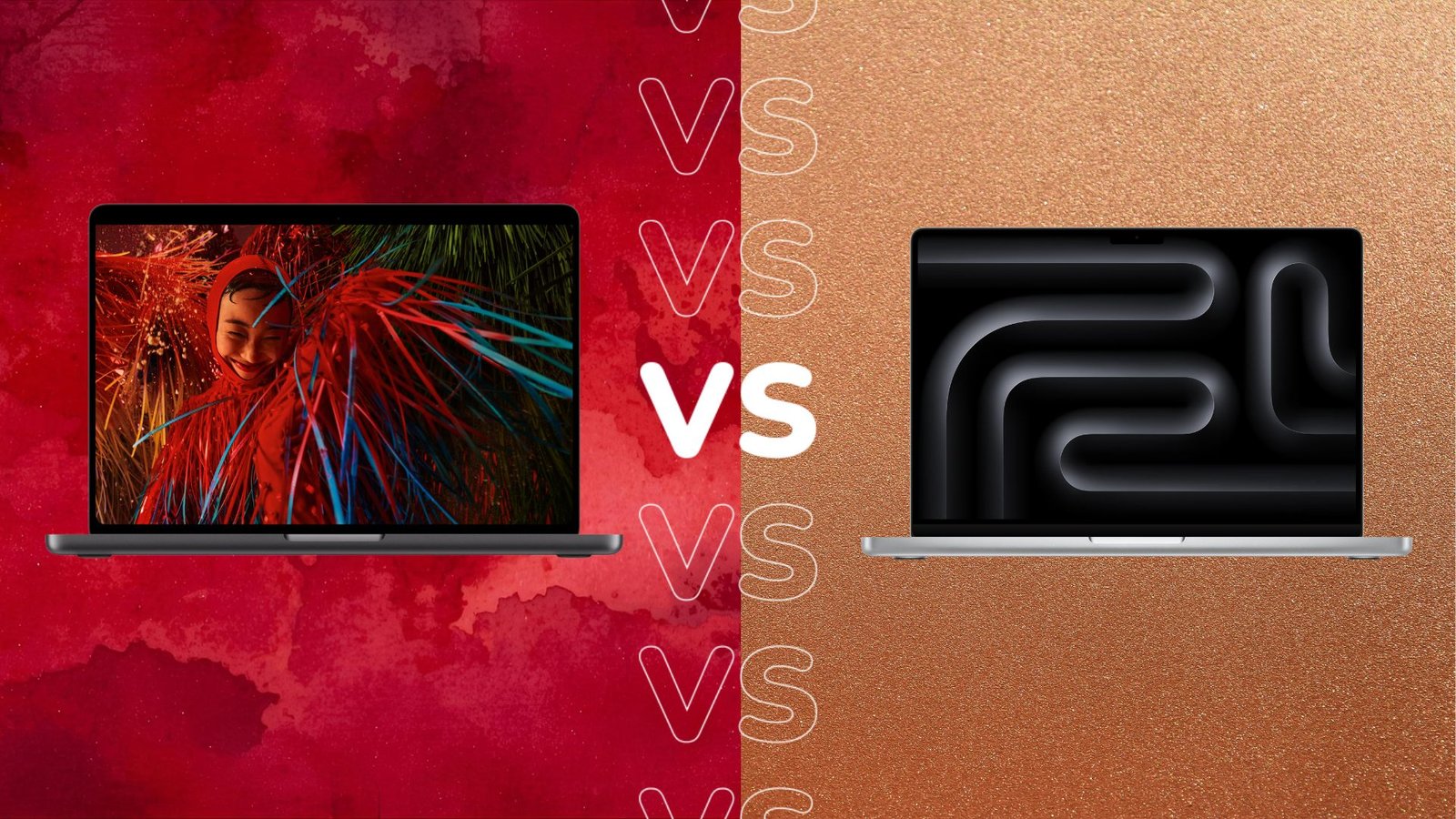
After years of speculation, Apple has finally unveiled its first MacBook with a touchscreen.
Although the touchscreen is undoubtedly the main feature, the new MacBook Pro with PROLED XDR display also has many other tricks up its sleeve. But how does it compare to the “standard” MacBook Pro? Who is the MacBook Pro with PROLED XDR display really designed for?
We have compared the specifications of the MacBook Pro with PROLED XDR display to the MacBook Pro below. Once you’re done here, be sure to check out our roundup of the best laptops too.
Price and availability
At the time of writing, the MacBook Pro with PROLED XDR display is available for pre-order and will officially launch on November 6th. Although most laptops and other devices have become more expensive this year due to the ongoing RAM situation, the MacBook Pro with PROLED XDR display is a pretty extreme example of this. With a starting price of £2,899, it can’t be a laptop designed for everyday use.
The standard MacBook Pro is slightly cheaper in comparison, although it’s still an expensive option with a starting price of £1,999/$1,999.
The new MacBook Pro features a touchscreen display for the first time
One of the main features of the new MacBook Pro with PROLED XDR display is its touchscreen display. In fact, it’s the first MacBook ever to have a touchscreen.
Apple promises that integrating touch will transform the way professionals work, enabling “more intuitive and intimate ways to create,” and making it feel easier and more responsive. Since the touch sensor is integrated into the display rather than layered on top of it, latency should also be reduced. The MacBook Pro also features a redesigned hinge to provide greater stability even when using touch.

Although touch is one of the most anticipated features of the new MacBook Pro, the display is also packed with numerous new and premium features. The PROLED
The display also promises a peak brightness of 2,000 nits, features ProMotion technology that can be lowered to just 10Hz for better power efficiency, and also offers a super-wide color gamut with P3 and Adobe RGB. In other words: the PROLED XDR display is a heavily loaded screen.
That’s not to say the standard MacBook Pro M6 has a bad display. Although it doesn’t have a touchscreen, the MacBook Pro still comes with a Liquid Retina XDR display that delivers peak brightness of up to 1600 nits and also supports the wide P3 color gamut. Both laptops also come with a nano-texture coating that reduces reflections and glare – although this costs an additional £/$150.

MacBook Pro with PROLED XDR display runs on either the M5 Pro or M5 Max chips
While the flagship MacBook Pro comes standard with Apple’s M6, the MacBook Pro with PROLED XDR Display comes with either the M5 Pro or M5 Max chips. For more information on the differences, see our MacBook Pro M5 Pro vs. M5 Max guide. However, Apple promises that both will deliver “phenomenal single- and multi-threaded CPU performance.”
The M5 Pro is designed for scientists, engineers and creative professionals as it allows them to tackle intensive projects, while the M5 Max is designed for those who want to push the boundaries even further – like AI developers, 3D VFX artists and film composers.
In comparison, the MacBook Pro with M6 offers “even more performance and next-level AI capabilities” and is designed for a wider range of users, from students to business professionals to creatives.

MacBook Pro with PROLED XDR display is lighter
Before we get into details, we should note that the MacBook Pro with PROLED XDR display is available in two sizes: 14.2 and 16.3 inches. While the standard MacBook Pro also comes in two sizes, the M6 version we’re comparing here is only available as a smaller 14.2-inch model.
Otherwise, the 14-inch MacBook Pro with PROLED XDR display now weighs just 1.38 kg, while the MacBook Pro with M6 weighs 1.6 kg instead. Additionally, the MacBook Pro with PROLED XDR display also features a slimmer design, which Apple says is made possible by OLED’s more efficient display stack.
MacBook Pro with PROLED XDR display has a Dynamic Island
The MacBook Pro with PROLED XDR display is also experiencing another premiere with the integration of the Dynamic Island. Typically reserved for the iPhone series, Dynamic Island on MacBook Pro offers a quick way to view and interact with important information, while Live Activities also provides users with timely updates.

MacBook Pro with PROLED XDR display promises the “best sound” of any laptop
Apple promises that the MacBook Pro with PROLED
That’s not the only improvement. The MacBook Pro with PROLED
Early judgment
Choosing between the MacBook Pro with PROLED XDR display and the standard MacBook Pro depends on a few factors – primarily whether you want an upgraded screen or not. Although the MacBook Pro with PROLED XDR Display comes with either M5 Pro or M5 Max chips, you’ll also find these chips in the standard MacBook Pro instead.
With this in mind, the MacBook Pro with PROLED If you can do without a touchscreen, the standard MacBook Pro is a slightly cheaper alternative.