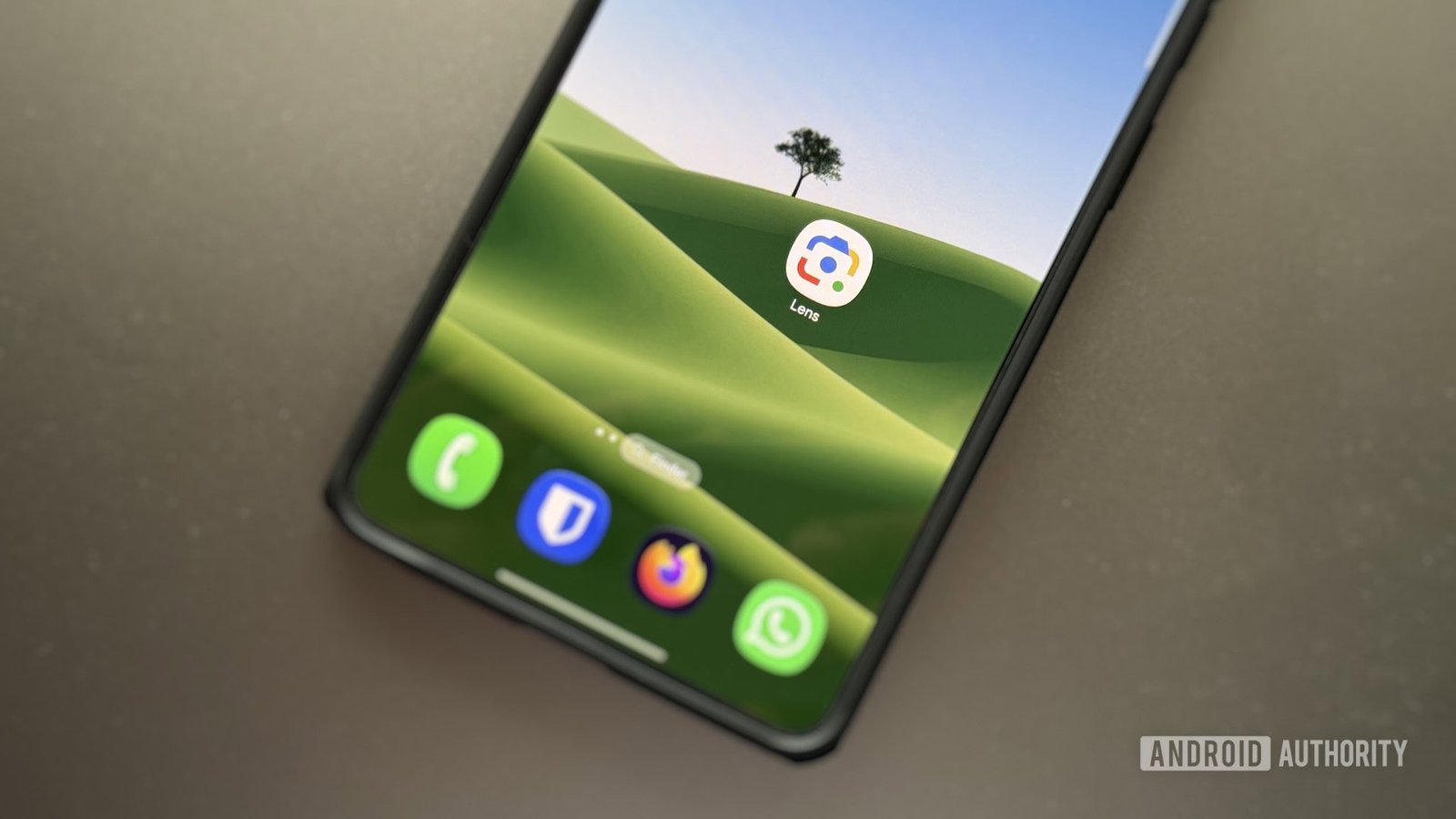
Google Lens, the AI-powered search tool that lets you find what you’re looking for with images instead of words, has not been letting Chrome users close out of the feature. This should now be fixed, according to Google, although not everyone affected seems to agree.
Reports on Reddit Google’s Chrome Help support forums started popping up about a week ago: The “x” icon to close Google Lens was missing for many. None of the usual fixes — closing tabs, shutting down Chrome altogether, clearing cache and cookies, and restarting computers — worked to rectify the situation. One user who replied to a post in a Chrome sub shared a temporary solution to close out of Lens: dragging the tab with Lens open into a new window and then dragging it back into the old window.
TOP CUT-OFF (Overflow Hide): The upper navigation bar (“AI Mode”, “All”, “Visual Match”) and the crucial “Close (X)” button are completely pushed upwards (-40px offset / margin bug) outside the visible viewport. They are clipped by “overflow:hidden” at the top edge of the browser, making it 100% impossible to click or close them with the mouse.
A staff member from Reddit’s Google Help community jumped into the sub to say the issue had been resolved:
Thank you for letting us know about this issue, and thank you for your patience while we resolve the issue. We appreciate it! With the latest update, Google Lens should now work as usual. Please let us know if you are still experiencing this on your end.
However, some responded that even after updating Chrome, they are still facing the same issue. Did you encounter the problem? Was it made clear to you if you did? Let us know in the comments.